Data Collect Mobile10.9.2
Publisher Description
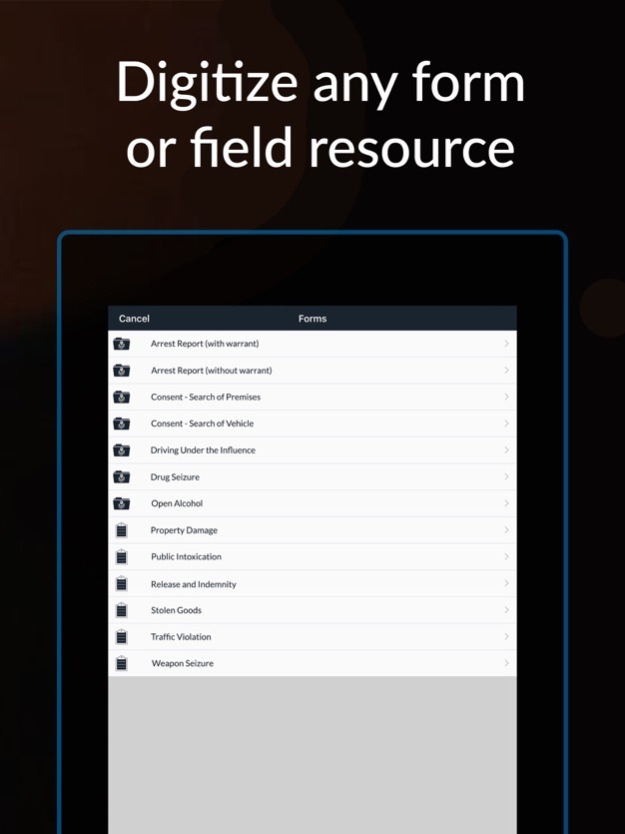
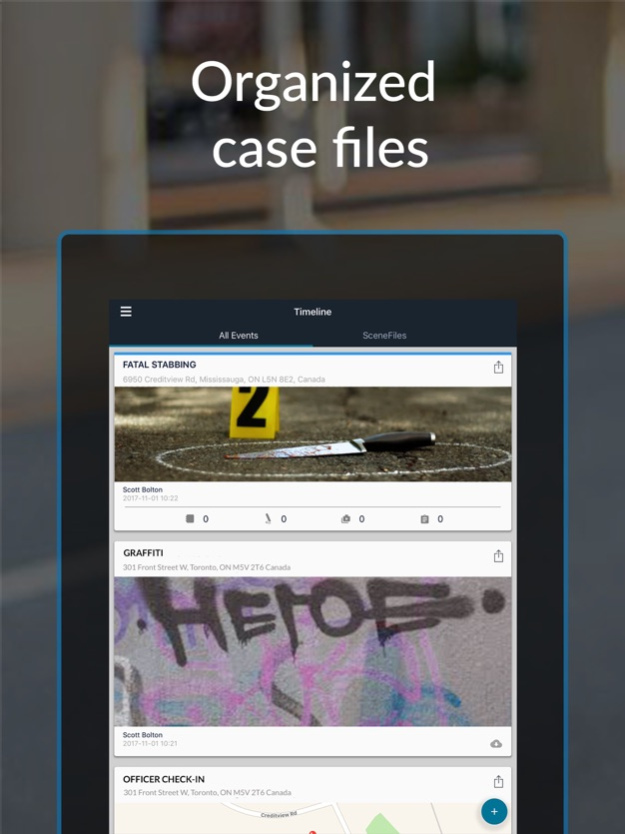
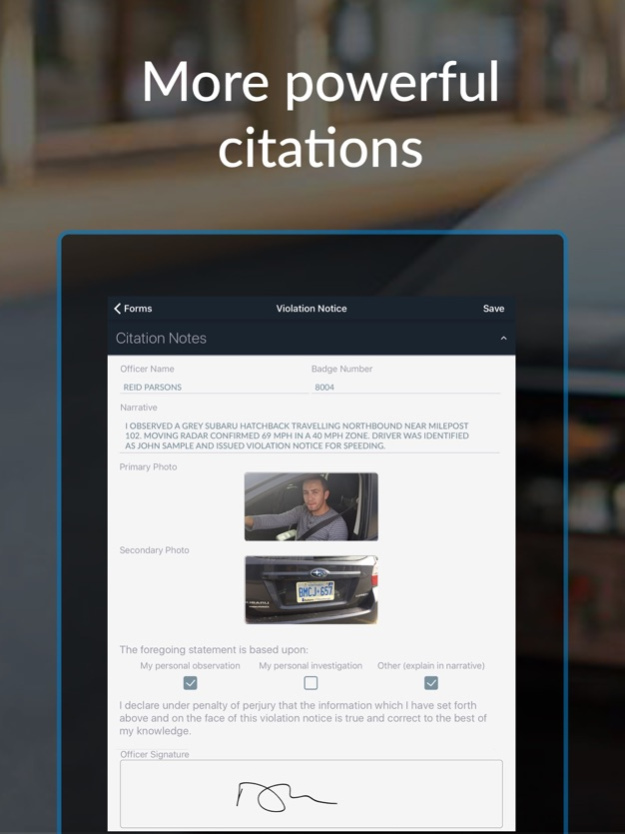
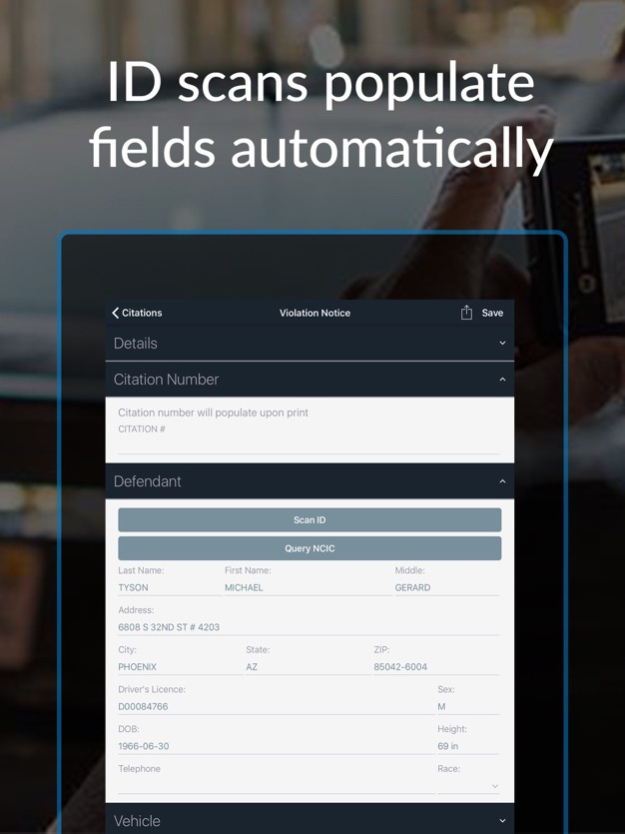
With SceneDoc, front-line officers can collect notes, issue citations and complete reports (FBR) using standard off-the-shelf smartphones & tablets. Benefits include clearer, faster & richer information, improved safety of officers in the field, and higher levels of visibility for command. SceneDoc is FirstNet Ready.
Please Note: SceneDoc is an enterprise platform. To use the application, you will need an account.
For more information, or to request a free virtual product demo, please visit https://scenedoc.com/
Apr 21, 2024
Version 10.9.2
- Bug fix and general improvement
About Data Collect Mobile
The company that develops Data Collect Mobile is Tyler Technologies, Inc. The latest version released by its developer is 10.9.2.
To install Data Collect Mobile on your iOS device, just click the green Continue To App button above to start the installation process. The app is listed on our website since 2024-04-21 and was downloaded 108 times. We have already checked if the download link is safe, however for your own protection we recommend that you scan the downloaded app with your antivirus. Your antivirus may detect the Data Collect Mobile as malware if the download link is broken.
How to install Data Collect Mobile on your iOS device:
- Click on the Continue To App button on our website. This will redirect you to the App Store.
- Once the Data Collect Mobile is shown in the iTunes listing of your iOS device, you can start its download and installation. Tap on the GET button to the right of the app to start downloading it.
- If you are not logged-in the iOS appstore app, you'll be prompted for your your Apple ID and/or password.
- After Data Collect Mobile is downloaded, you'll see an INSTALL button to the right. Tap on it to start the actual installation of the iOS app.
- Once installation is finished you can tap on the OPEN button to start it. Its icon will also be added to your device home screen.
Program Details
System requirements
Download information
Pricing
Version History
version 10.9.2
posted on 2024-04-21
Apr 21, 2024
Version 10.9.2
- Bug fix and general improvement
version 10.9.1
posted on 2024-03-14
Mar 14, 2024
Version 10.9.1
This version should fix the multiple image selection
version 10.8.0
posted on 2023-12-12
Dec 12, 2023
Version 10.8.0
- Bug fixes and stability
- Mobile accessibility
version 10.7.0
posted on 2023-09-20
Sep 20, 2023
Version 10.7.0
Performance improvements and bug fixes
version 10.6.0
posted on 2023-07-24
Jul 24, 2023
Version 10.6.0
Performance improvements and bug fixes
version 10.5.0
posted on 2023-05-25
May 25, 2023
Version 10.5.0
Performance improvements and bug fixes
version 10.4.86
posted on 2023-01-30
Jan 30, 2023
Version 10.4.86
Performance improvements and bug fixes
version 10.4.4
posted on 2022-06-15
Jun 15, 2022 Version 10.4.4
Forms should now load faster in bad network conditions. When there happens to be more up to date version you can now expect to be given a prompt to refresh the form.
Enhanced support in font size changes for improved accessibility
Fixed an issue where the sync indicator wouldn’t display when re-syncing media
Improved performance of some work flows when checking if an Entry is downloaded
version 10.4.3
posted on 2022-05-11
May 11, 2022 Version 10.4.3
Performance improvements and bug fixes.
version 10.4.2
posted on 2022-05-04
May 4, 2022 Version 10.4.2
On Feb 22, 2022, Tyler Technologies announced a new brand architecture, a company initiative that better organizes and names Tyler's products. SceneDoc has been renamed to Data Collect Mobile to better reflect the core strength of the product.
